Perceptum PC Requirements: Minimum and Recommended
Perceptum requires Windows 10 64-bit, 8 GB RAM and 5 GB storage; recommended specs include Windows 11, 16 GB RAM and an RTX 3060 or RX 6700 XT.
What are Perceptum’s minimum and recommended PC requirements?
Perceptum’s minimum PC requirements are Windows 10 64-bit, an Intel i5 or AMD Ryzen 5 from 2016, 8 GB RAM, and an NVIDIA GTX 1060 or AMD Radeon RX 580. The recommended specifications raise that to Windows 11 64-bit, an Intel i5 or AMD Ryzen 7 from 2018, 16 GB RAM, and an NVIDIA GeForce RTX 3060 or AMD Radeon RX 6700 XT; both tiers require 5 GB of available storage.
Duck Reaction’s psychological horror game is published by Perp Games and uses Steam app ID 4124340. Its Steam store page lists the following requirements for the Windows version:
| Component | Minimum | Recommended |
|---|---|---|
| Architecture | 64-bit processor and operating system | 64-bit processor and operating system |
| Operating system | Windows 10 64-bit | Windows 11 64-bit |
| Processor | Intel i5 / AMD Ryzen 5 from 2016 | Intel i5 / AMD Ryzen 7 from 2018 |
| Memory | 8 GB RAM | 16 GB RAM |
| Graphics | NVIDIA GTX 1060 / AMD Radeon RX 580 | NVIDIA GeForce RTX 3060 / AMD Radeon RX 6700 XT |
| DirectX | Version 11 | Version 12 |
| Storage | 5 GB available space | 5 GB available space |
| Audio | Headphones or speakers | Headphones |
The listing does not attach resolution, graphics preset, or frame-rate targets to either tier. Treat these as the developer’s hardware specifications rather than a benchmark showing how a particular PC performs.
Quick reference
| Player question | Answer |
|---|---|
| Are exact CPU model numbers listed? | No; Steam gives processor families and years. |
| Is an SSD specified? | The Steam requirements do not specify an SSD or HDD. |
| Are headphones compulsory? | Speakers meet the minimum audio specification; headphones are recommended. |
| Does the store give an FPS target? | No resolution or FPS target accompanies the requirements. |
| Has Valve reviewed Steam Deck compatibility? | Not yet reviewed; no test results are listed. |
| Can players try it before release? | An early Windows demo is on itch.io, and Steam offers playtest sign-up. |
What CPU and graphics card does Perceptum need?
Perceptum lists an Intel i5 or AMD Ryzen 5 from 2016 as its minimum processor, paired with a GTX 1060 or Radeon RX 580 graphics card. The recommended processor entry changes to an Intel i5 or AMD Ryzen 7 from 2018, alongside an RTX 3060 or Radeon RX 6700 XT.
The CPU wording is broad. Steam does not identify an exact Intel generation, individual processor model, clock speed, or core count. If you are comparing a particular computer with the listing, keep the family and year together: “Intel i5” alone leaves out part of the specification.
The graphics entries are more specific because they name GPU models. However, the requirements do not give a VRAM capacity for either minimum graphics card. They also do not explain whether the recommended cards are intended for higher visual settings, a higher frame rate, or a particular display resolution.
For a hardware comparison, use the minimum and recommended columns separately. A PC with the recommended amount of RAM but a minimum-tier graphics card combines parts from two different tiers; the listing provides no performance estimate for that combination.
Neither column specifies ray tracing, an upscaling mode, or a target such as 1080p at 60 FPS. Those details should remain separate from the named cards: the presence of an RTX model in the recommended column does not establish which rendering features Perceptum uses.
Which Windows, DirectX, RAM, and storage specifications apply?
The minimum configuration calls for Windows 10 64-bit and DirectX 11, while the recommended configuration calls for Windows 11 64-bit and DirectX 12. Both require a 64-bit processor as well as a 64-bit operating system.
Windows is the computer platform listed on Steam. That platform listing does not establish native macOS or Linux support. Likewise, the Windows requirements do not settle Steam Deck performance: Valve’s official compatibility status is Not yet reviewed, with no test results listed.
Memory is one of the clearest differences between the two tiers. The recommendation doubles system RAM from 8 GB to 16 GB. These entries concern system memory; the graphics requirements appear separately and do not include a stated VRAM amount.
Storage stays at 5 GB of available space in both columns. Steam describes this as required available space, rather than a download-size figure. The requirements do not specify a storage technology, so they provide no separate SSD recommendation or HDD specification.
For a pre-installation check, compare these four details with your computer:
- Check that Windows is a 64-bit installation.
- Match the operating system and DirectX version to the relevant tier.
- Compare installed system RAM with the memory entry.
- Check available drive space against the 5 GB requirement.
These checks follow the store’s categories. They do not replace the CPU and GPU comparison, and the store does not provide a tool or formula for converting the requirements into an expected frame rate.
Are headphones required or recommended for Perceptum?
Headphones are recommended, but they are not the exclusive minimum audio option: Steam allows either headphones or speakers at the minimum tier. Although the requirements place this information under “Sound Card,” they name listening devices rather than a particular sound-card model.
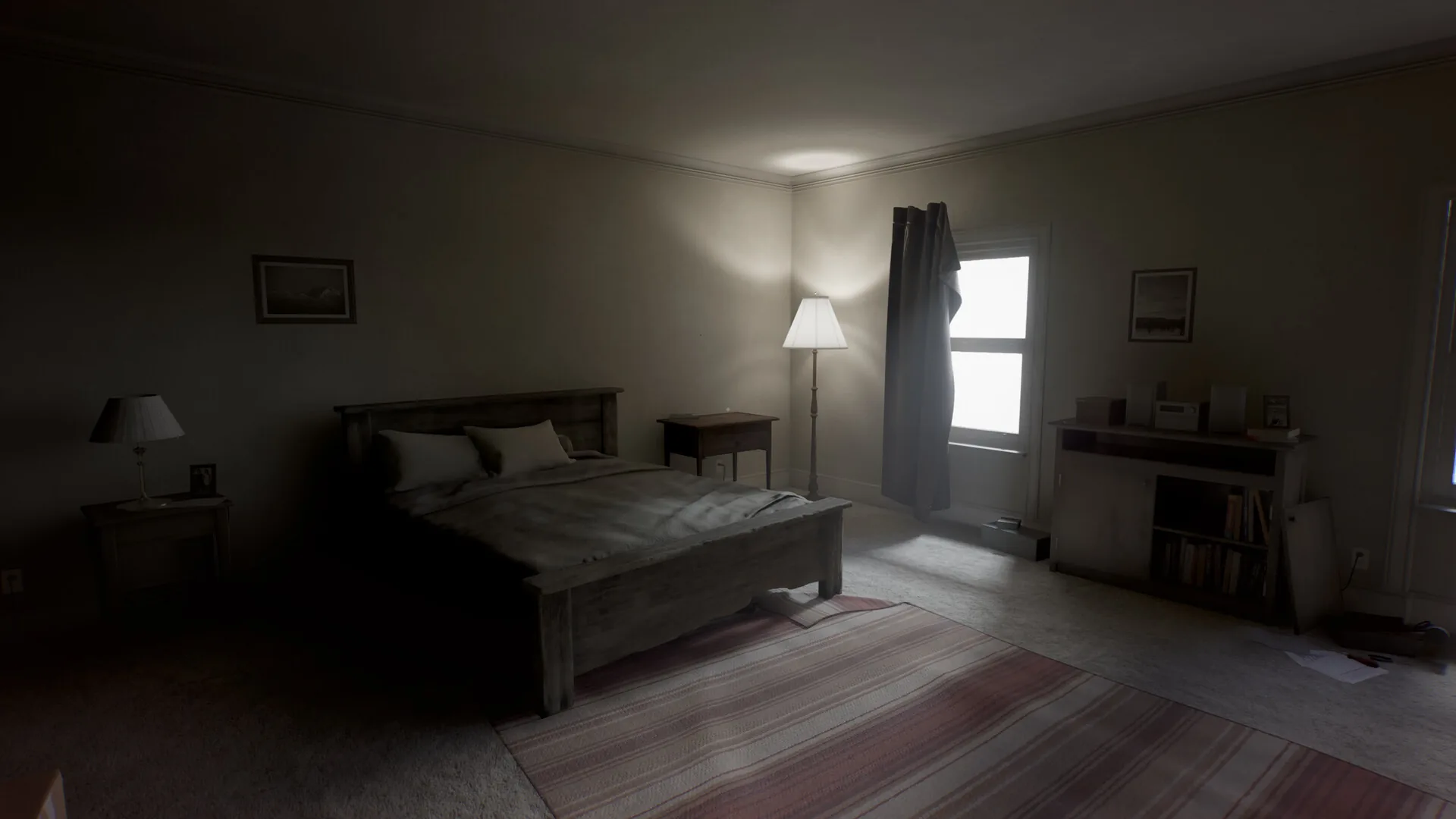
Audio matters to the announced gameplay. You play as a medium investigating a family’s disappearance, and closing the character’s eyes changes how you gather information. The game description says altered sounds and distant whispers help guide you while this ability leaves the character vulnerable.
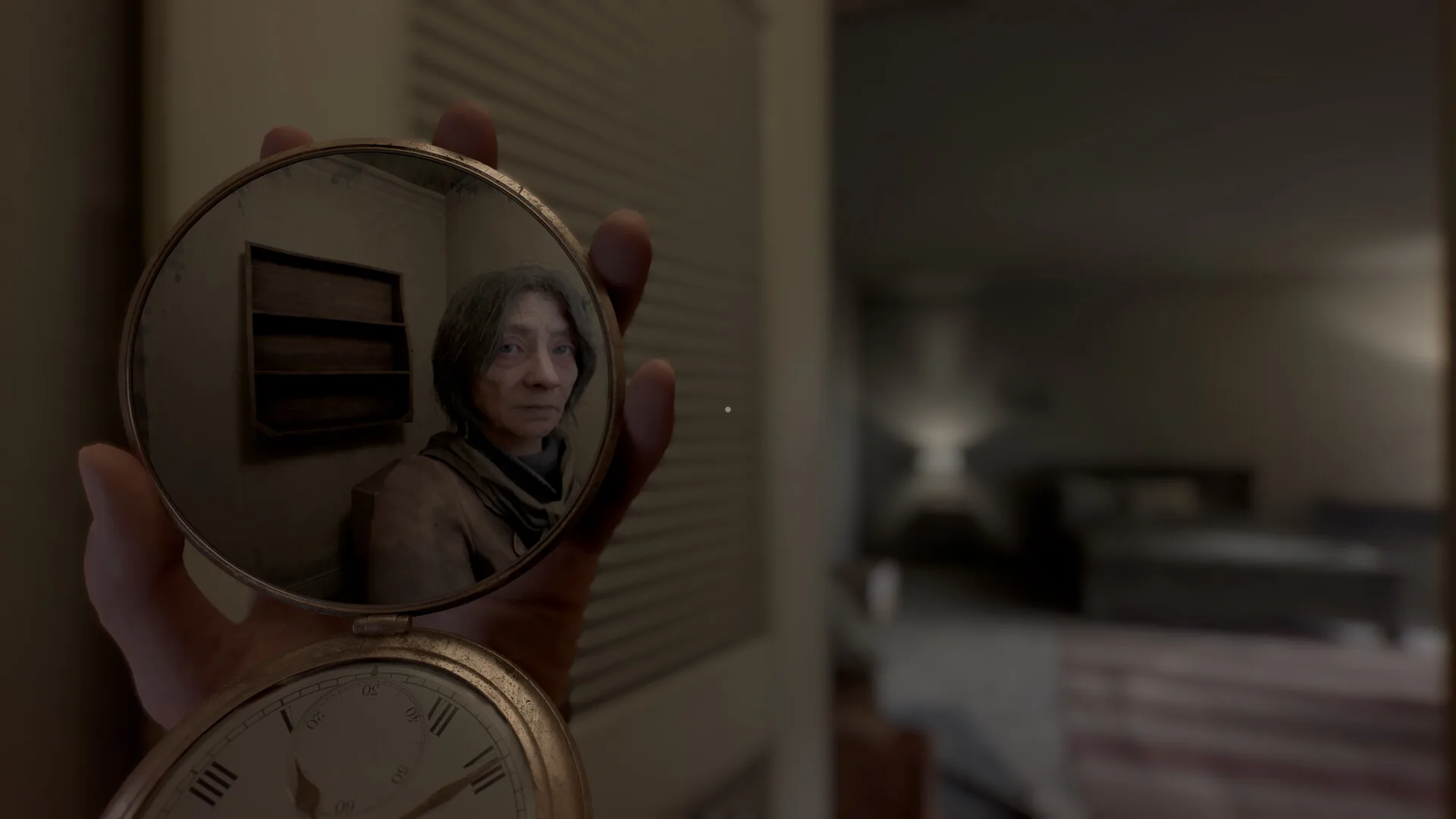
The mirror provides a different kind of information, revealing hidden traces and reflections that ordinary sight misses. Preparation therefore involves paying attention to both visual clues and sound. The description presents investigation and puzzles as the focus, and says you cannot fight back when a threat reveals itself.
Steam lists Stereo Sound and Custom Volume Controls. Before playing, set the audio to a comfortable level that lets you hear quieter cues. The developer’s content description includes sudden jumpscares and loud or unexpected sounds, so louder volume is not a stated requirement for using the listening mechanic.
Players have also commented on the early Windows demo’s audio. According to Bobe-wan’s comment on Duck Reaction’s itch.io demo page, closing the character’s eyes produces distinct soundscapes, while the mirror apparitions contribute to a horror-film atmosphere. HOGGShorror’s comment on that same page praises the demo as frightening and its concept as refreshing. These impressions concern the early demo; the final game can differ.
For managing anticipatory fear, the developer’s guidance is to stay calm and notice details. A practical approach is to choose a manageable session length, pause between sessions, and focus on a small observation goal rather than rushing into an intimidating space. These are preparation suggestions, not encounter solutions.
The content description also warns about flashing lights, high-contrast effects, and rapidly changing images. It instructs players to stop if they experience dizziness, nausea, eye strain, loss of awareness, or other discomfort.
Can you test Perceptum on your PC before release?
Yes—an early Windows demo is available on itch.io, and the Steam page offers playtest sign-up. As of November 23, 2026, the full game is not available to purchase or download on Steam, and that store page does not list a downloadable Steam demo.
To access the early itch.io demo:
- Open Duck Reaction’s Perceptum demo page.
- Complete the page’s age verification, which requires visitors to be 18 or older.
- Select Download Now under the name-your-own-price offer.
- Use the listed Perceptum Win64 external download.
Duck Reaction describes this early demo as approximately 20 minutes long. Its name-your-own-price offer applies to that demo; Steam lists no US base-game price for the full release.
For the Steam playtest, use the Join the Playtest or Request Access option in the Perceptum Playtest section. Steam says the playtest will be added to your library, but the page gives no admission schedule or closing date.
A separate official announcement dated November 20, 2026 schedules a public Steam demo for December 15, 2026. It says the demo will introduce the atmosphere, listening ability, and mirror mechanic. That upcoming release is distinct from the existing itch.io download.
For an early-demo control issue, Duck Reaction’s Simon explains in the itch.io comments that players must hold the mouse button to raise the mirror; a brief click can produce its sound without displaying it. That advice concerns the early build rather than a confirmed final control layout.
Steam lists full controller support, Adjustable Text Size, Camera Comfort, and Playable without Timed Input. Those features describe supported options; they do not establish performance on a particular controller-based PC or handheld.
The current Steam release window is 2027. Duck Reaction’s August 25, 2026 announcement gave the more specific window of Spring 2027, while its May 27 announcement confirmed PC, PlayStation 5, and Xbox Series versions for 2027. The Windows specifications above should be used for PC planning, rather than as console performance specifications.
Related Guides

Controller Support, Languages and Steam Deck
Perceptum’s Steam listing leaves audio and subtitle languages unmarked and gives no button mappings.
Demo Download and Steam Playtest Access
Duck Reaction’s itch.io demo has an 18+ age gate and uses name-your-own-price pricing.
Demo Impressions: What Previews Actually Say
ScreenRant praises Perceptum's mirror tension; PlayFront questions variety across the full game.